ColorNote Notepad Notes
Notepad is a simple and easy-to-use note-taking app designed to help you quickly create and organize notes, memos, emails, messages, shopping lists, and to-do lists. It provides a convenient way to write, save, organize, and manage your everyday notes.
Product Description
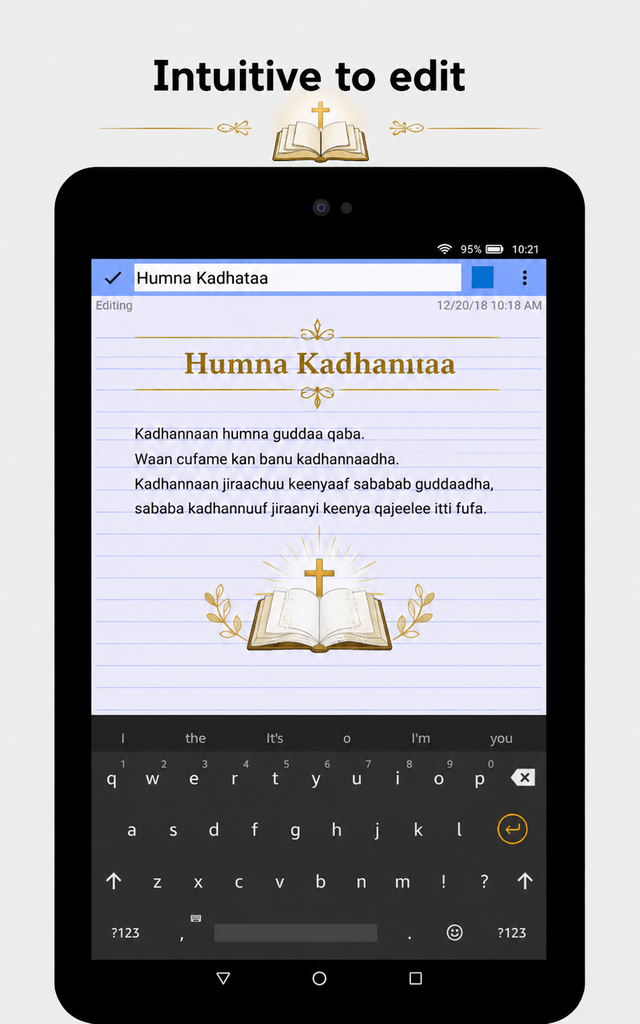
ColorNote® offers two main note-taking formats: a traditional text note with a lined-paper style and a checklist option for to-do and shopping lists. You can create as many notes as you need and organize them from the app’s main screen.
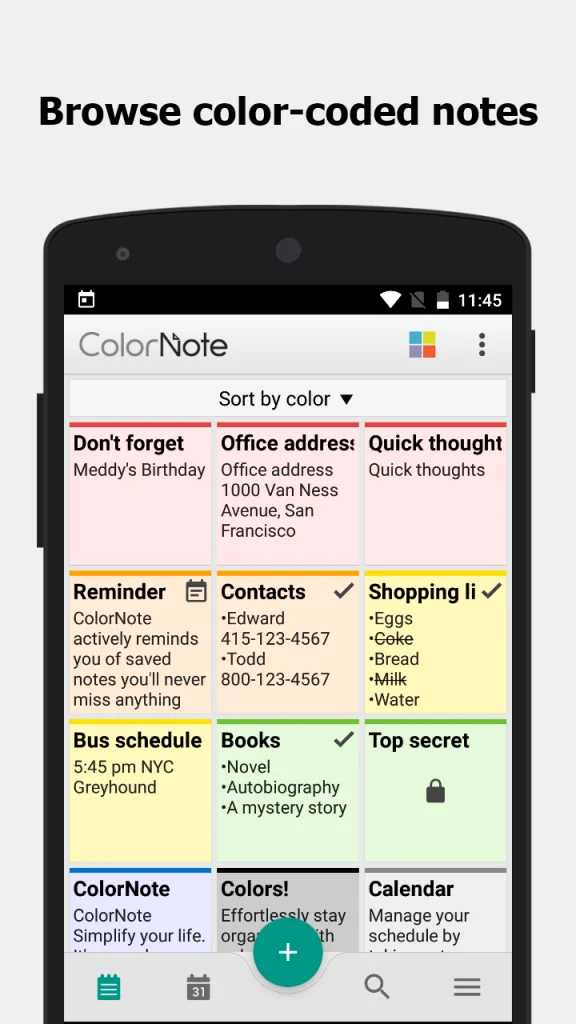
Your notes can be displayed in different ways, including:
- Traditional list view
- Grid view
- Organization by note color
Taking a Note
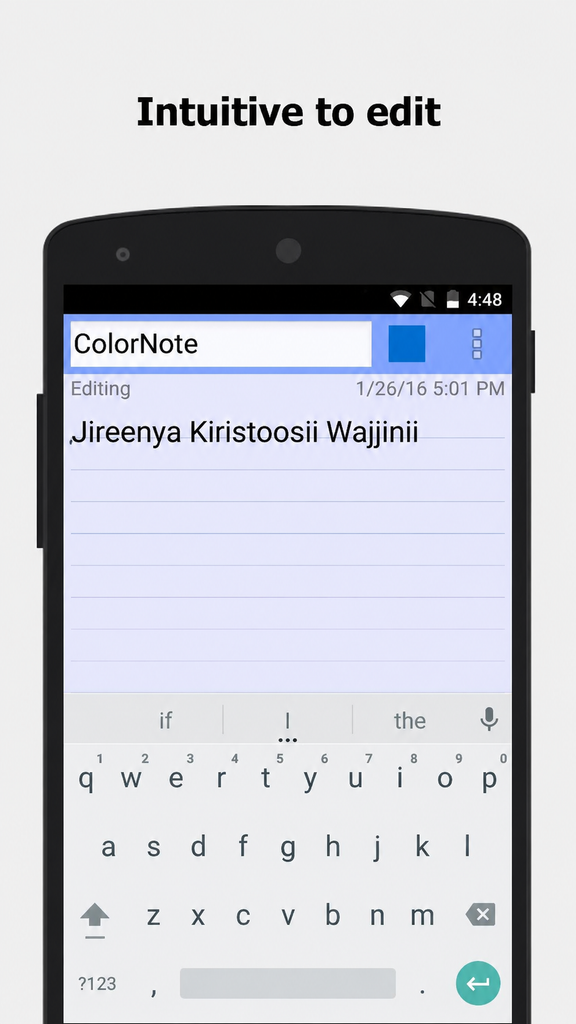
The text-note option works like a simple word-processing tool and allows you to create notes with as much text as needed. After saving a note, you can edit, share, set reminders, mark it as completed, or delete it.
When a text note is marked as completed, its title can be displayed with a strikethrough to indicate that the task or note has been finished.
Creating To-Do and Shopping Lists
The checklist feature allows you to create simple to-do lists and shopping lists. You can add as many items as you need and rearrange them while editing.
After saving the list, simply tap an item to mark it as completed or uncompleted. Completed items are displayed with a strikethrough. When every item on the list has been completed, the list title can also be marked as completed.
Features
- Organize notes by color
- Sticky-note widget for your home screen
- Create simple to-do and shopping lists
- Checklist support for getting things done
- Organize schedules using calendar notes
- Write diaries and journals in the calendar
- Password protection for notes
- Backup notes to device storage
- Online backup and synchronization
- Sync notes between phones and tablets
- Reminder notifications in the status bar
- List and grid views
- Search your notes
- Support for ColorDict add-ons
- Powerful task reminders with time alarms, all-day reminders, and repetition
- Quick memo and note creation
- Wiki-style note links using
[[Title]] - Share notes through SMS, email, or Twitter
Online Backup and Cloud Synchronization
ColorNote® provides online backup and synchronization for your notes. Notes are encrypted before being uploaded using the AES encryption standard.
The service does not upload your notes to the server unless you sign in. Users can sign in using supported Google or Facebook accounts.
Permissions
The app may request the following permissions:
- Internet Access: Used for online backup and synchronization.
- Storage Access: Used for backing up notes to device storage.
- Background and Device Controls: Used for reminders, vibration notifications, and automatically starting reminder functions after the device boots.
Frequently Asked Questions
How do I add a sticky-note widget to my home screen?
Go to your device’s home screen, press and hold an empty area, select Widgets, and choose ColorNote. You can then place the widget on your home screen.
Why don’t the widget, alarm, or reminder functions work?
If ColorNote is installed on an SD card, some features such as widgets and reminders may not work correctly because Android may restrict these functions for applications installed on external storage.
If necessary, move the app back to your device storage and restart your phone.
Where are backed-up notes stored on the SD card?
Depending on the device and Android version, backup files may be stored in locations such as:
/data/colornote
or
/Android/data/com.socialnmobile.dictapps.notepad.color.note/files
What should I do if I forget my master password?
Go to:
Menu → Settings → Master Password → Menu Button → Clear Password
Be aware that clearing the password may result in the loss of notes protected by the existing password.
How do I create a to-do list?
Select New, choose Checklist, enter your items, and save the list. Tap an item to mark it as completed and apply a strikethrough.